परिचय
क्या आप जानते हैं कि 46% Google searches का intent लोकल होता है? और 88% consumers जो अपने smartphone पर local search करते हैं, वे 24 घंटे के भीतर उस business पर visit करते हैं?
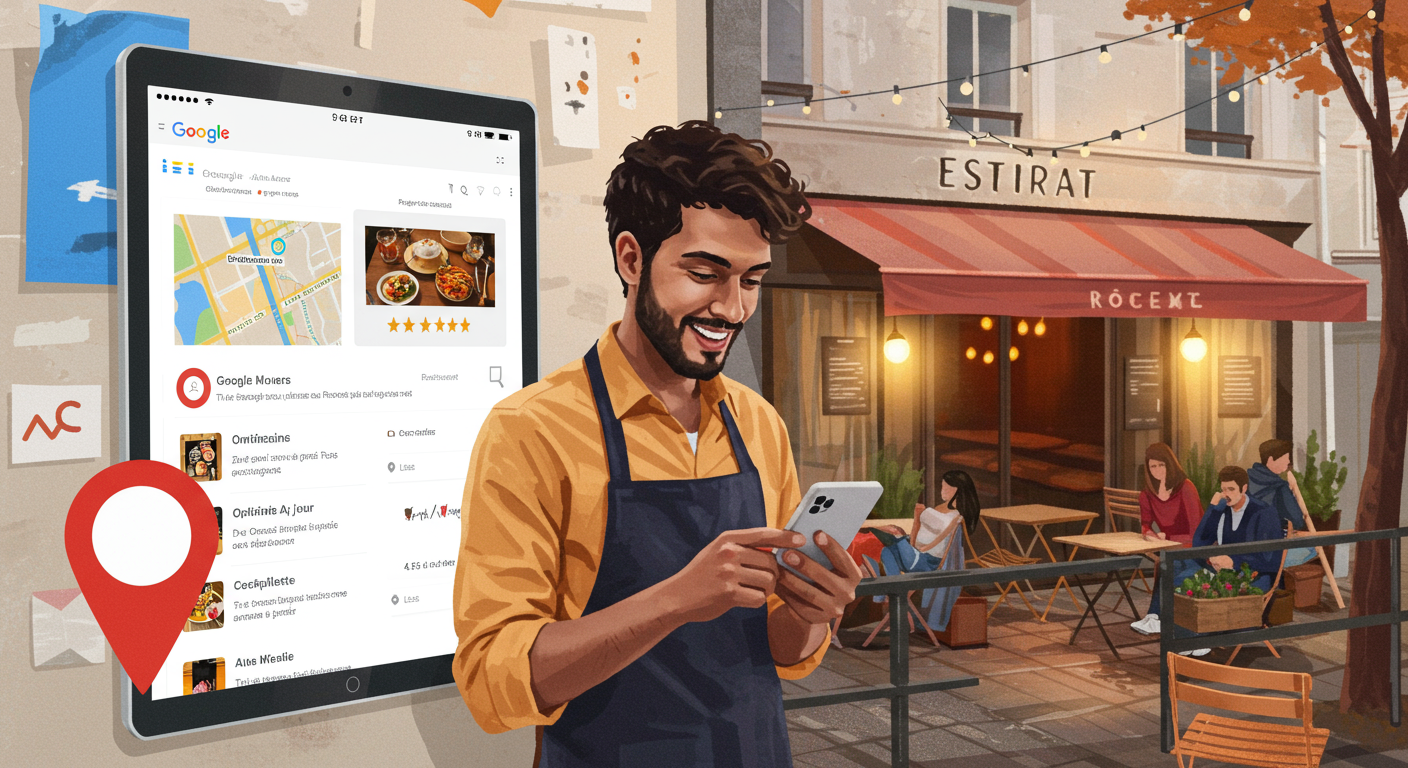
एक restaurant के लिए, आपकी Google My Business listing (जिसे अब "Google Business Profile" कहा जाता है) अक्सर आपके भावी customers से पहला संपर्क होती है। एक optimized listing भरे हुए restaurant और खाली tables के बीच का फ़र्क़ तय कर सकती है।
इसके बावजूद, अधिकांश restaurateurs इस मुफ़्त tool का पूरा फ़ायदा नहीं उठाते। ख़राब photos, ग़लत timings, बिना जवाब वाले reviews... ये गलतियाँ आपको हर दिन customers खोने पर मजबूर करती हैं।
इस संपूर्ण guide में जानिए कि कैसे अपनी Google listing को customers आकर्षित करने की एक शक्तिशाली मशीन में बदलें — बिना किसी advertising budget के।
1. आपके restaurant के लिए Google My Business इतना ज़रूरी क्यों है
आँकड़े जो सब कुछ बताते हैं
- 97% consumers local businesses को online search करते हैं
- पूरी तरह भरी हुई listings को 7 गुना ज़्यादा clicks मिलते हैं
- GMB पर 56% actions website visits होते हैं
- 40 से ज़्यादा photos वाले restaurants को 35% अधिक direction requests मिलते हैं
आपके customers को क्या दिखता है
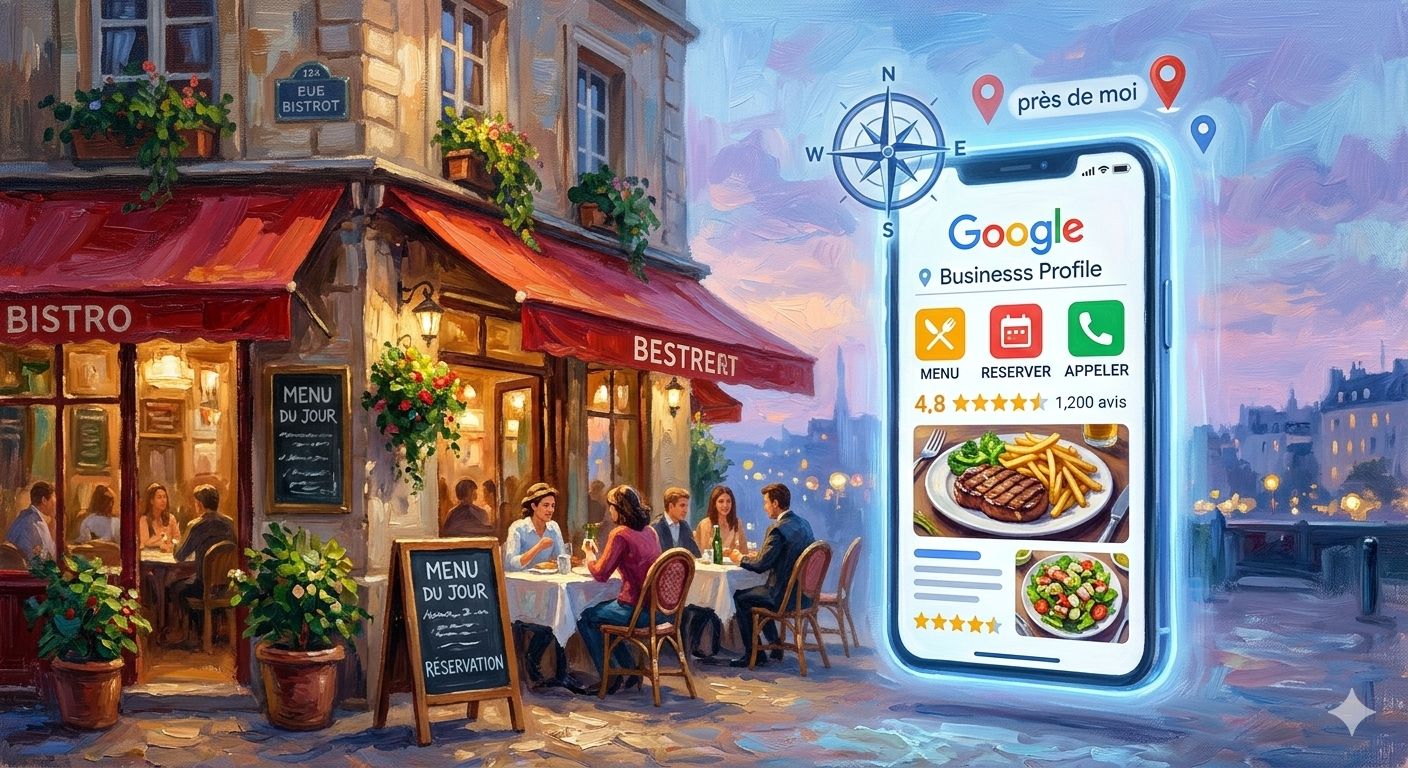
जब कोई "मेरे पास restaurant", "best restaurant near me" या "कहाँ खाएँ [आपका शहर]" search करता है, तो Google दिखाता है:
- "Local Pack" (map के साथ पहले 3 results)
- आपके restaurant की photos
- Average rating और reviews की संख्या
- Opening hours
- पता और directions
- Phone number (1-click call)
- आपके menu का link
अगर आपकी listing optimized नहीं है, तो आप अदृश्य हैं। और बुरी बात: आपके competitors आपके customers को ले जा रहे हैं।
2. अपनी listing 5 मिनट में बनाएँ और claim करें
Step 1: जाँचें कि आपकी listing पहले से मौजूद है या नहीं
Google Maps पर अपना restaurant search करें। 80% मामलों में, Google ने public data से पहले ही एक automatic listing बना दी होती है।
Step 2: Listing claim करें
- business.google.com पर login करें
- अपना restaurant search करें
- "Claim this business" पर click करें
- Phone, email या postcard से verify करें (5-7 दिन का समय)
Step 3: बुनियादी जानकारी भरें
- सही नाम (जैसा आपके signboard पर लिखा है)
- पूरा पता (map pin की location verify करें)
- मुख्य phone number
- Website (या आपका ALaCarte.Direct page)
- मुख्य category: "Restaurant" + sub-category (North Indian, South Indian, Chinese, Italian आदि)
💡 ALCD Tip: आपके पास website नहीं है? अपने ALaCarte.Direct restaurant page को official URL के रूप में इस्तेमाल करें। यह SEO-optimized है और हमेशा अपडेट रहता है।
3. 7 ज़रूरी optimizations
3.1 Professional quality की photos
- कम से कम 10 photos, आदर्श रूप से 40+
- Cover photo: आपकी signature dish या restaurant का बाहरी view
- High resolution logo (कम से कम 720×720 pixels)
- Dishes की photos (natural light, भूख बढ़ाने वाला angle)
- Interior और outdoor seating
- Team in action
Recommended format: JPG या PNG, minimum 720×720 pixels
Tip: 100+ photos वाले restaurants को ध्यान आकर्षित करने की 520% अधिक संभावना होती है।
3.2 सटीक और updated timings
ग़लत timings = निराश customers = negative reviews।
ये ज़रूर भरें:
- Regular timings (सोमवार-रविवार)
- Special timings (त्योहार, events)
- Temporary closure (छुट्टियाँ)
किसी भी बदलाव पर तुरंत update करें।
3.3 पूरा और current menu
Google आपको अपनी listing में सीधे menu add करने की सुविधा देता है। या बेहतर: अपने ALaCarte.Direct digital menu से link करें जो automatically update होता रहता है।
फ़ायदे:
- ✅ Menu हमेशा अपडेट (prices, availability)
- ✅ Automatic multilingual support
- ✅ Dishes की photos
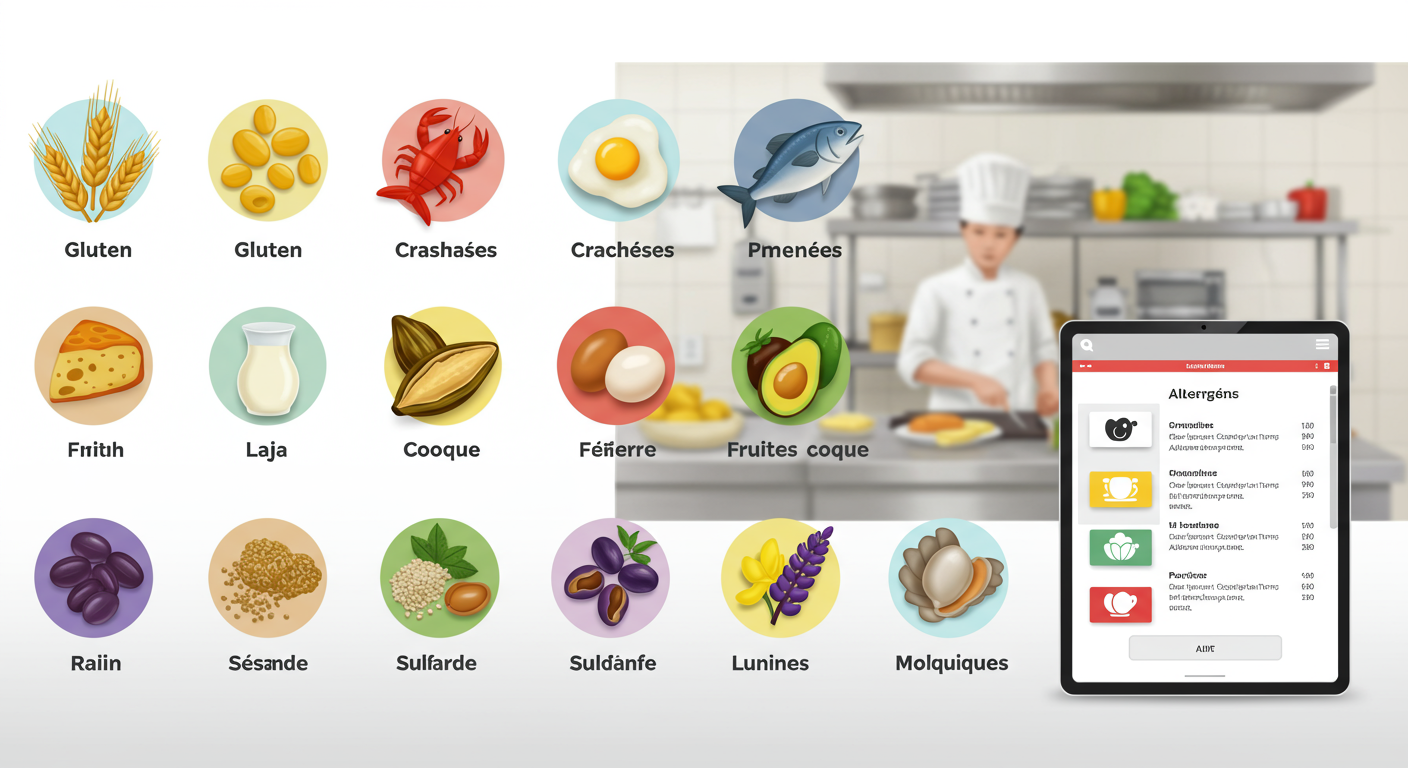
- ✅ Allergen और nutritional information
3.4 सही attributes चुनें
जो भी attributes लागू हों, सब check करें:
- ☑️ Outdoor seating / Garden
- ☑️ Free WiFi
- ☑️ Wheelchair accessible
- ☑️ Vegetarian / Vegan options
- ☑️ Online reservation
- ☑️ Click & Collect / Delivery
- ☑️ Contactless payment
जितने ज़्यादा relevant attributes आप चुनेंगे, Google आपकी offering को उतना बेहतर समझेगा और targeted searches में आपको ऊपर दिखाएगा।
3.5 SEO-optimized description
समझाने के लिए 750 characters। इनमें शामिल करें:
- Cuisine का प्रकार
- Signature dishes
- Ambiance
- Location (इलाक़ा, नज़दीकी metro/parking)
- Natural keywords (बिना keyword stuffing के)
3.6 नियमित posts (Google Posts)
हफ़्ते में 1 से 2 बार post करें:
- आज का special / Chef's recommendation
- Events (live music night, tasting menu)
- Special offers (festive menu, weekend brunch)
- Updates (नया chef, renovation)
⚠️ Posts 7 दिन बाद गायब हो जाते हैं — लगातार posting बनाए रखें!
3.7 सक्रिय रूप से Questions/Answers manage करें
Q&A section पर नज़र रखें। जल्दी और professionally जवाब दें।
Tip: आप खुद अपनी FAQ पहले से बना सकते हैं।
निष्कर्ष
आपकी Google My Business listing आपकी local visibility की नींव है। एक optimized listing = बिना advertising ख़र्च के ज़्यादा customers।
अगले स्तर पर जाने के लिए तैयार हैं? ALaCarte.Direct पर अपना मुफ़्त digital menu बनाएँ और इसे अपनी Google listing से जोड़ें — एक consistent, professional और हमेशा updated online presence के लिए।