Introduction
93% of consumers check online reviews before choosing a restaurant. And 84% trust Google reviews just as much as personal recommendations from friends and family.
Your Google rating isn't just a number — it's your digital reputation. The difference between 4.2 and 4.6 stars can mean +30% more bookings.
The problem? The majority of your satisfied customers don't leave reviews on their own. Only the very satisfied (10%) or the unhappy (15%) take the initiative. The result: your rating doesn't reflect the true quality of your service.
In this guide, discover 8 proven strategies to get authentic Google reviews and build a strong online reputation — without ever buying fake reviews (which would get you penalised by Google).
1. Why Google Reviews Are Crucial for Your Restaurant
Impact on your local visibility
Google uses 3 main criteria to rank restaurants in local search results (the "Local Pack"):
- Relevance (how well you match the search query)
- Distance (proximity to the user)
- Prominence ← YOUR REVIEWS COUNT HERE
Prominence is calculated by:
- Number of reviews (volume)
- Average rating (quality)
- Freshness of reviews (recency)
- Number of customer photos/videos
- Engagement (responses to reviews)
Result: A restaurant with 120 reviews at 4.5★ will outrank a competitor at 4.8★ with only 20 reviews.
Impact on your conversion rate
Going from 4.1★ to 4.6★ = +70% more clicks = +70% more potential customers.
Impact on your revenue
Harvard Business School study:
- A 1-star increase = +5 to 9% revenue growth
- For a restaurant turning over £400K/year ($500K), that's an extra £20,000 to £36,000 ($25,000–$45,000)
Reviews aren't just "nice-to-have marketing" — they deliver direct ROI.
2. The Right Time to Ask for a Review
✅ When to ask?
Optimal timing:
- At the end of service (verbal method)
When: The customer is paying the bill and seems satisfied
Conversion rate: 15–25% - 24–48 hours after the visit (email/SMS)
When: The experience is still fresh, but the customer is relaxed at home
Conversion rate: 8–15% - Immediately after (QR code on table/bill)
When: In the moment, while emotions are high
Conversion rate: 5–12%
❌ When NOT to ask?
- ⛔ During the meal (customer is busy eating/chatting)
- ⛔ If you sense any dissatisfaction (risk of a public negative review)
- ⛔ More than 7 days after the visit (memory fades)
The 24–72 hour rule
Golden window: Between 24 and 72 hours after the visit.
- Before 24h: Too soon, feels intrusive
- 24–72h: Perfect, the experience is still fresh
- After 7 days: Memory fades, response rate drops
3. 8 Strategies to Get More Google Reviews
Strategy #1: QR code on the bill
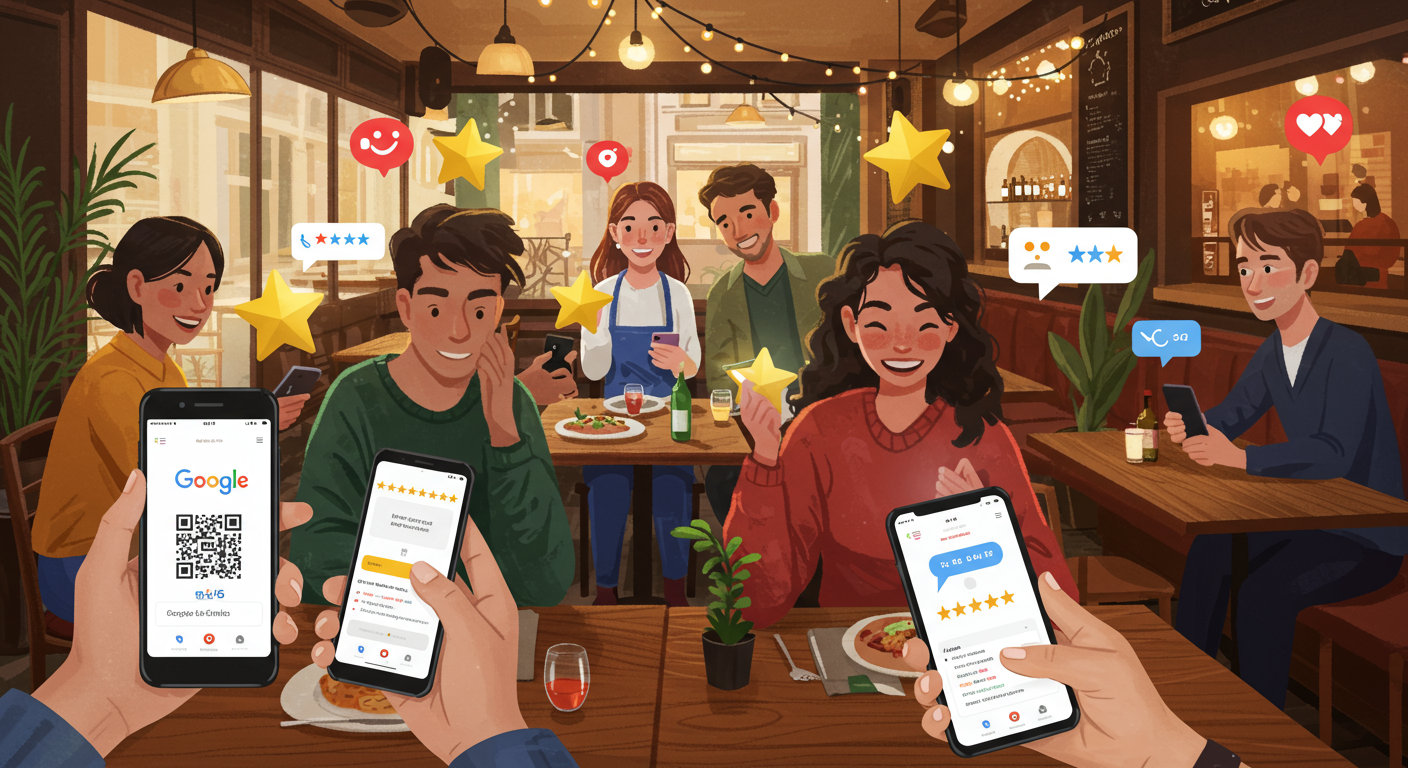
The idea: Add a discreet QR code to every bill that links directly to your Google review form.
Expected result: +8 to 15 reviews/month for 300 covers/month
Strategy #2: Verbal request (the most effective)
The idea: Train your team to ask for a review at the end of service — only if the customer is happy.
Recommended script:
"I'm so glad you enjoyed your meal! If you have a couple of minutes, a Google review would really help us out. Here's a QR code, or I can text you the link?"
Expected result: 15–25% conversion rate (highest of all methods)
Strategy #3: Automated follow-up email
The idea: Send a personalised email 24–48 hours after the booking.
Timing: Automated send on Day+2 (48 hours after reservation)
Expected result: 35–50% open rate / 8–15% conversion rate
Strategy #4: Post-visit SMS
The idea: A short, punchy SMS 24 hours after the visit.
Expected result: 20–30% click rate / 10–18% conversion rate
Strategy #5: In-restaurant signage (discreet)
The idea: A small sign or table tent on tables or at the till.
Expected result: +5 to 10 reviews/month
Strategy #6: Subtle incentive (with caution)
⚠️ WARNING: Google prohibits "incentivised" (rewarded) reviews. However, you can offer a reward for leaving a review, regardless of the rating.
What IS ALLOWED ✅: "Leave a review (any rating) and enjoy a complimentary drink on your next visit"
Expected result: +10 to 20 additional reviews/month
Strategy #7: Targeted "Loyal customers" campaign
The idea: Identify your top 50 customers (regulars, high spenders, brand advocates) and ask them personally.
Expected result: 40–60% conversion rate (established relationship)
Strategy #8: Integration into the booking journey
The idea: If you use an online reservation system, build the review request into the customer journey.
Expected result: 12–20% conversion rate (seamless process)
4. How to Make the Process as Easy as Possible
Principle: Reduce friction
Every extra click = -30% conversions
✅ Direct link to the review form
Use an optimised direct link: https://g.page/your-restaurant/review?rc → Customer lands straight on the review form
✅ High-quality QR code
QR code checklist:
- Minimum size 3×3 cm (smartphone scannable)
- High contrast (black on white)
- Tested on both iOS AND Android
- Includes a clear call-to-action alongside
5. Responding to Reviews: The Method That Builds Loyalty
Why you should respond to ALL reviews
3 critical reasons:
- Signal to Google: Engagement = prominence = better local ranking
- Social proof: Prospective customers read your responses
- Loyalty: The customer feels valued = comes back
Statistic: 89% of consumers read the restaurant owner's responses to reviews.
How to respond to POSITIVE reviews
Key elements:
- ✅ Personalisation (first name, specific detail)
- ✅ Genuine thanks
- ✅ Mention the team (shows appreciation)
- ✅ Invitation to return
- ✅ Human signature (not a generic "The Team")
How to respond to NEGATIVE reviews (crucial)
Anatomy of a great response:
- Thank them (even if it feels unfair)
- Sincere apology (without being defensive)
- Acknowledge the issue (paraphrase their concern)
- Concrete action taken (proof you're addressing it)
- Invitation to return (a second chance)
- Goodwill gesture (if the issue was serious)
- Personal signature (humanises the response)
What you should NEVER do:
- ❌ Be defensive or aggressive
- ❌ Accuse the customer of lying
- ❌ Ignore the review (the worst signal possible)
- ❌ Send a generic "Thank you for your feedback" reply
Optimal response time
Target: Respond within 48 hours maximum to every review.
6. What You Should NEVER Do
❌ Buy fake reviews
Risks:
- Permanent suspension of your Google Business Profile
- Loss of credibility (Google filters and flags suspicious reviews)
- Fines of up to £65,000 / $75,000 (misleading commercial practices)
❌ Offer a reward for a POSITIVE review
Prohibited by Google: "Free dessert if you give us 5★"
❌ Ask family/friends to leave reviews
Problem: Google detects connections (social networks, locations, etc.)
❌ Respond aggressively to negative reviews
Always remain professional, even when it feels unfair.
7. Track and Measure Your Progress
Realistic targets
Timeline to 100 reviews:
- Starting from 10 reviews → 100 reviews: 12–18 months
- Starting from 30 reviews → 100 reviews: 8–12 months
- Starting from 50 reviews → 100 reviews: 4–6 months
KPIs to monitor
Beyond the number of reviews:
- Freshness: Most recent review less than 7 days old (strong signal for Google)
- Diversity: A mix of long reviews (50+ words) + short ones (10–20 words) + reviews with photos
- Keywords: Do reviews mention your specialities? (local SEO boost)
- Sentiment: Content analysis (positive/negative/neutral)
Conclusion
Getting 100 Google reviews for your restaurant isn't down to luck — it's a methodical strategy.
The 3 pillars of success:
- Ask consistently (8 methods combined)
- Make it as easy as possible (QR code, direct link, 2 clicks)
- Respond to every review (<48h, personalised, professional)
Every week without a strategy = 10 to 15 lost reviews = potential customers choosing your competitors instead.
Ready to boost your online reputation? Create your digital menu with ALaCarte.Direct and automatically showcase your Google reviews on your restaurant page — instant social proof for your visitors.