Introduction
Did you know that 46% of Google searches have local intent? And that 88% of consumers who perform a local search on their smartphone visit a business within 24 hours?
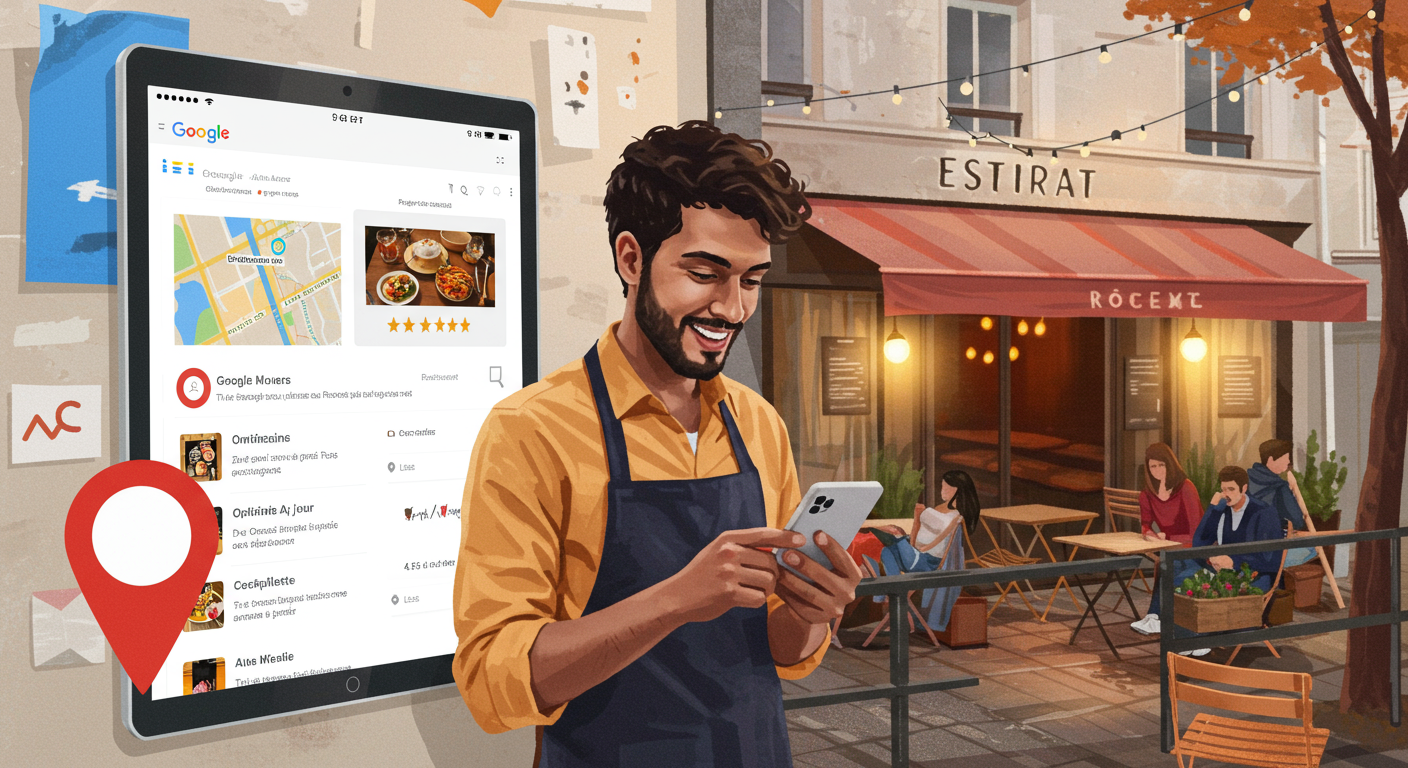
For a restaurant, your Google My Business listing (now called "Google Business Profile") is often the first point of contact with your future customers. An optimised listing can make the difference between a full dining room and empty tables.
Yet most restaurateurs underutilise this free tool. Poor photos, incorrect opening hours, unanswered reviews... These mistakes are costing you customers every single day.
In this comprehensive guide, discover how to turn your Google listing into a genuine customer-generating machine — without spending a penny on advertising.
1. Why Google My Business Is Crucial for Your Restaurant
The numbers speak for themselves
- 97% of consumers search for local businesses online
- Complete listings receive 7x more clicks
- 56% of actions on GMB are website visits
- Restaurants with more than 40 photos receive 35% more direction requests
What your customers see
When someone searches for "Italian restaurant near me" or "where to eat in [your city]", Google displays:
- The "Local Pack" (the top 3 results with a map)
- Photos of your establishment
- Average rating and number of reviews
- Opening hours
- Address and directions
- Phone number (one-tap calling)
- Link to your menu
If your listing isn't optimised, you're invisible. Worse still: your competitors are capturing YOUR customers.
2. Create and Claim Your Listing in 5 Minutes
Step 1: Check whether your listing already exists
Search for your restaurant on Google Maps. In 80% of cases, Google has already created an automatic listing from publicly available data.
Step 2: Claim the listing
- Sign in at business.google.com
- Search for your establishment
- Click "Claim this business"
- Verify by phone, email or postcard (allow 5–7 days)
Step 3: Complete the basic information
- Exact name (as displayed on your shopfront)
- Full address (double-check the map pin location)
- Main phone number
- Website (or your ALaCarte.Direct page)
- Primary category: "Restaurant" + sub-category (Italian, French, etc.)
💡 ALCD Tip: Don't have a website? Use your ALaCarte.Direct restaurant page as your official URL. It's SEO-optimised and always up to date.
3. The 7 Essential Optimisations
3.1 Professional-quality photos
- Minimum 10 photos, ideally 40+
- Cover photo: your signature dish or storefront
- High-resolution logo (720×720 pixels minimum)
- Food photos (natural light, appetising angles)
- Interior and terrace
- Team in action
Recommended format: JPG or PNG, minimum 720×720 pixels
Tip: Restaurants with 100+ photos are 520% more likely to attract attention.
3.2 Accurate, up-to-date opening hours
Wrong opening hours = frustrated customers = negative reviews.
Make sure to include:
- Regular hours (Monday–Sunday)
- Special hours (bank holidays, events)
- Temporary closures (holidays)
Update IMMEDIATELY whenever anything changes.
3.3 Complete and current menu
Google allows you to add your menu directly to your listing. Or better yet: link to your ALaCarte.Direct digital menu, which updates automatically.
Benefits:
- ✅ Menu always up to date (prices, availability)
- ✅ Automatic multilingual support
- ✅ Dish photos
- ✅ Allergen and nutritional information
3.4 Relevant attributes
Tick every attribute that applies:
- ☑️ Terrace / Garden
- ☑️ Free WiFi
- ☑️ Wheelchair accessible
- ☑️ Vegetarian / Vegan options
- ☑️ Online booking
- ☑️ Click & Collect / Delivery
- ☑️ Contactless card payment
The more relevant attributes you select, the better Google understands your offering and the higher you'll rank in targeted searches.
3.5 SEO-optimised description
750 characters to win customers over. Include:
- Type of cuisine
- House specialities
- Ambiance
- Location (neighbourhood, proximity to public transport/parking)
- Natural keywords (no keyword stuffing)
3.6 Regular posts (Google Posts)
Post once or twice a week:
- Daily special / chef's suggestions
- Events (jazz night, tasting menu)
- Special offers (Valentine's Day menu, Sunday brunch)
- News (new chef, renovation)
⚠️ Posts disappear after 7 days — keep up the pace!
3.7 Proactive Q&A management
Monitor the Q&A section. Respond quickly and professionally.
Tip: You can create your own pre-emptive FAQs.
Conclusion
Your Google My Business listing is the cornerstone of your local visibility. An optimised listing = more customers without spending on advertising.
Ready to take it to the next level? Create your free digital menu on ALaCarte.Direct and link it to your Google listing for a consistent, professional, and always up-to-date online presence.