ALaCarte.Direct
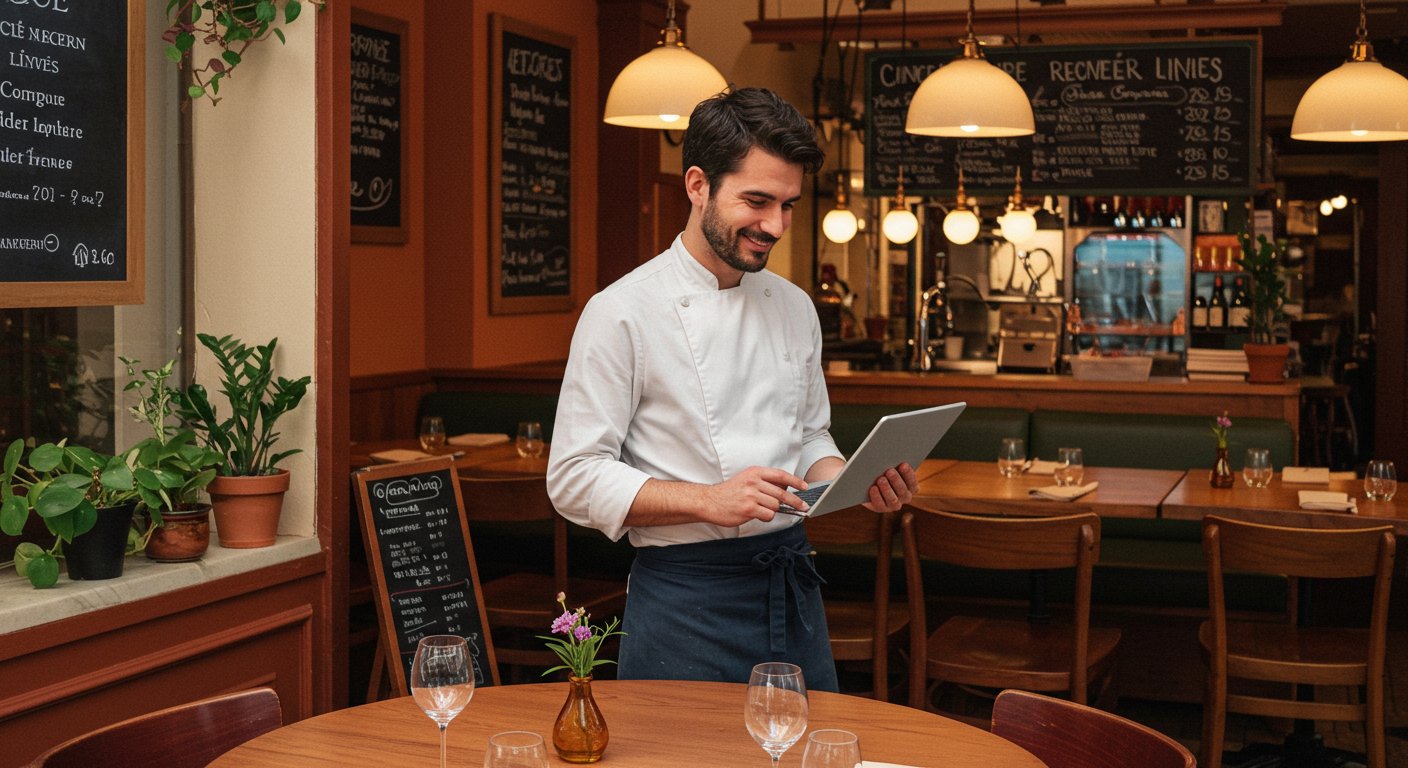
Every month, thousands of people type "le quatrième mur menu" into Google. They're not looking for the restaurant's address. They're not checking opening hours. They want to see the menu, discover the dishes, and above all find out the prices before picking up the phone or clicking "Book a table." This reflex — checking the menu online before making any decision — isn't unique to Philippe Etchebest's famous restaurant on Place de la Comédie in Bordeaux. It's a universal behaviour that applies to every establishment, from the neighbourhood bistrot to the fine dining restaurant.
And yet, a significant proportion of independent restaurateurs miss out on this traffic entirely. Their menu isn't online, or it's buried in a PDF that's unreadable on mobile, or the prices simply aren't shown. The result: the potential customer leaves the page and books elsewhere. With a competitor who understood that online price transparency isn't a risk — it's a conversion driver.
This article dissects this phenomenon through the lens of Le Quatrième Mur in Bordeaux, and shows you how to turn your digital menu into a genuine booking tool.
Why "le quatrième mur menu" is searched so heavily online
Le Quatrième Mur is no ordinary restaurant. Located inside Bordeaux's Grand Théâtre and bolstered by Philippe Etchebest's television celebrity, it attracts a nationwide clientele. Tourists passing through, locals planning a special occasion, groups of friends marking a birthday — they all go through Google before booking.
Search Console data confirms this across the entire hospitality sector: queries combining a restaurant name + "menu" or "menu prices" consistently rank among the highest-volume searches. For Le Quatrième Mur, there's a significant cluster of queries: "le quatrième mur menu," "le quatrième mur menu prix," "menu quatrième mur bordeaux" — each generating over a thousand monthly impressions.
The customer decision journey in 2026
Before booking a table, customers now follow an almost universal path:
- Discovery: they hear about the restaurant (word of mouth, social media, Google reviews).
- Research: they type the restaurant's name + "menu" or "prices" into Google.
- Evaluation: they browse the dishes on offer, check the prices, look for allergen information or vegetarian options.
- Decision: they book — or move on to the next restaurant.
The critical step is the third one. If customers can't find the information they're looking for — or if they find it in an unusable format — they leave. This isn't fussiness. It's rational consumer behaviour: nobody commits to a restaurant without knowing roughly what they'll eat and how much it will cost.
The price question: cultural taboo or commercial asset?
In many markets, displaying prices online remains a sensitive topic for restaurateurs. Some fear that prices perceived as high will put customers off. Others believe that an element of mystery is part of the fine dining experience.
The reality on the ground tells an entirely different story. The customer searching for "restaurant name + menu prices" isn't comparison shopping for the cheapest option. They're projecting themselves into the experience. They want to know whether the restaurant fits their budget for the occasion they're planning. A birthday dinner at £40 per head is a different decision from a business lunch at £75.
Not displaying prices online is essentially asking the customer to book blind. Some will. The majority will look elsewhere — at a competitor who plays it transparent.
What Le Quatrième Mur teaches independent restaurateurs
You may not have Philippe Etchebest's television profile. But you have exactly the same lever at your disposal: a clear, complete, and up-to-date online menu that answers the questions your potential customers ask before booking.
Lesson 1: your menu is your sales page
In e-commerce, every product page is optimised to convince the visitor to buy. In hospitality, your digital menu plays exactly the same role. It's not simply an informational document — it's your commercial shopfront.
An effective online menu must answer three questions in under ten seconds:
- What's on offer? Dish names should be readable and descriptive. "Free-range chicken supreme, rich jus, seasonal vegetables" says more than "The Farmhouse."
- How much does it cost? Prices must be visible without clicking, zooming, or downloading anything.
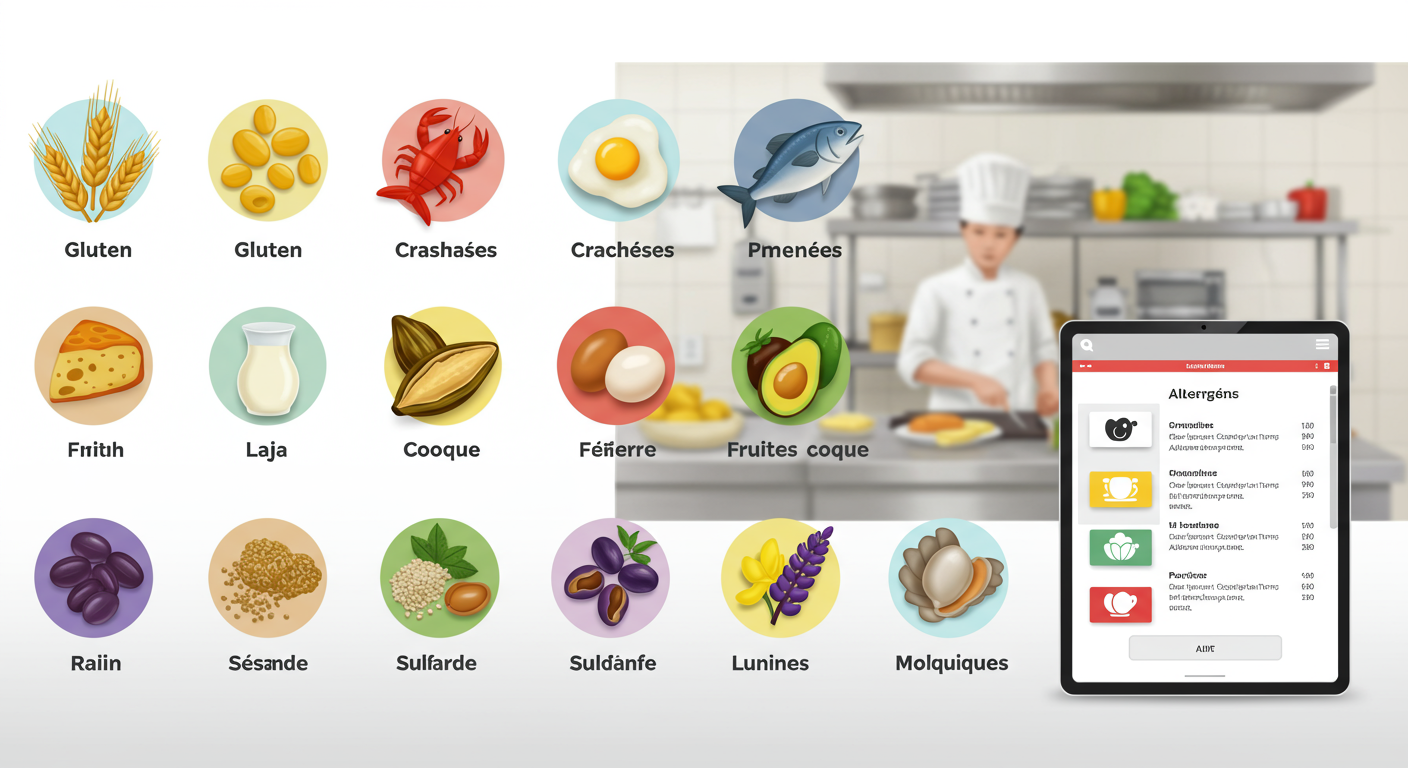
- Does it suit me? Allergens, vegetarian options, children's menus — this information removes barriers to booking.
If you'd like to explore menu design principles in more depth, see our guide on digital menu design best practices for restaurateurs.
Lesson 2: format matters as much as content
Le Quatrième Mur serves customers who check the menu from a smartphone, on the bus, between meetings. This is the case for the vast majority of restaurant web traffic: browsing happens on mobile, often on the go.
A PDF of your menu, however attractive, creates several concrete problems:
- File size: slow loading on mobile connections.
- Readability: text too small, requiring pinch-to-zoom and horizontal scrolling.
- Updates: every change means recreating the file and re-uploading it.
- SEO: Google struggles to index PDF content, which penalises your visibility.
A digital menu in HTML — viewable directly in the browser, responsive, with clearly displayed prices — eliminates all these barriers. This is precisely what solutions like ALaCarte.direct offer: a menu page optimised for mobile and search engines, with the ability to update prices and dishes in real time.
To understand the concrete cost and performance differences between these two approaches, our complete cost analysis of paper menus vs digital menus breaks down the figures line by line.
Lesson 3: real-time updates build customer trust
Nothing frustrates a customer more than booking based on an online menu... only to discover on arrival that the dishes have changed. This disconnect creates disappointment, sometimes negative reviews, and in every case a loss of trust.
A restaurant like Le Quatrième Mur changes its menu regularly based on seasons and market availability. Independent restaurateurs do the same, often with daily specials that change every day.
The ability to update your online menu instantly isn't a technical luxury. It's an operational necessity with a direct impact on customer satisfaction and, by extension, on your online reviews.
How a transparent digital menu converts traffic into bookings
Let's move from observation to concrete mechanics. Here's how price transparency on your online menu drives your booking rate.
Displayed prices eliminate uncertainty
Uncertainty is the enemy of decision-making. When a potential customer sees "Lunch menu — Starter + Main + Dessert: £28," they can immediately decide. They know what they'll spend. They can discuss it with their dining companion. They can compare it with their budget.
Without prices, the customer's thinking becomes: "What if it's too expensive? What if it's too cheap for the occasion?" In both cases, doubt stalls action.
A complete menu reduces phone calls
Many restaurateurs notice the same thing: a significant proportion of their calls concern questions that an online menu would answer. "Do you have vegetarian options?" "How much is the lunch menu?" "Do you do children's menus?"
Each of these calls ties up your team during service or mise en place. A comprehensive digital menu — with prices, descriptions, allergen information, and set menus — absorbs these enquiries upstream. Your phone rings less, and when it does ring, it's to book.
This is one of the often-underestimated benefits of contactless menus in restaurants: beyond hygiene, they streamline the entire customer journey.
Consistency between online menu and in-restaurant experience builds loyalty
A customer who finds on arrival exactly what they saw online develops a sense of trust. This consistency — between the digital promise and the reality — is a powerful driver of loyalty.
Conversely, an outdated or incomplete online menu creates a disconnect that damages your credibility. The customer thinks: "If the restaurant can't even be bothered to keep its menu up to date, what else are they cutting corners on?"
The "menu quatrième mur bordeaux" query: anatomy of a high-potential search
Let's break down what the query "menu quatrième mur bordeaux" reveals about the behaviour of your own potential customers.
The intent behind the search
When a user adds the city name to their query, it generally indicates they are not a regular. They're a visitor, a tourist, or someone discovering the establishment for the first time. They need more information than a regular customer.
This geo-targeted query is a considerable opportunity for any restaurateur. It means: "I'm interested in this restaurant, but I don't know it well enough to book yet. Show me the menu."
Every restaurant has its own "quatrième mur" moment
You may not be Le Quatrième Mur, but your potential customers follow exactly the same process. They type your restaurant's name + "menu" or "prices" + your city name. If your menu doesn't appear in the results — or if it appears as a blurry PDF dated 2024 — you lose that customer.
Try it yourself: type your restaurant's name + "menu" into Google. What comes up?
- Ideal scenario: a dedicated page with your current menu, prices, dish descriptions, and a booking button.
- Common scenario: a PDF on your website, a photo of your menu on TripAdvisor, or worse — nothing at all.
Local SEO as a booking accelerator
Local SEO is your restaurant's ability to appear in geo-targeted searches. When someone searches "restaurant city centre menu," you want to be in the results.
For this, your online menu must be:
- Indexable: in HTML, not as a PDF or image.
- Structured: with clear markup (section headings, dish descriptions, prices).
- Updated regularly: Google favours fresh content.
- Linked to your Google Business Profile: to appear in the local pack.
If you'd like to go further on this topic, our article on local marketing to attract nearby customers details the concrete steps.
Practical guide: turning your menu into a booking engine
Here are the concrete actions to implement in your establishment this week.
Step 1: audit your current online menu
Take five minutes to assess your current situation:
- Is your menu accessible online? If so, in what format?
- Are prices displayed? On all set menus, including lunch and dinner options?
- Is the menu up to date? Does it match exactly what you're serving today?
- Is it readable on mobile? Ask a friend to view it on their phone and watch their reaction.
- Is a booking button visible? Can the customer take action without leaving the page?
If you answer "no" to more than two of these questions, you're probably losing bookings every week.
Step 2: switch to a structured digital menu
Abandoning the PDF doesn't mean investing thousands of pounds in a bespoke website. Specialist solutions let you create a professional digital menu in just a few hours:
- Descriptive dish names: each dish should list its key ingredients and cooking method.
- Visible prices on every line: no "prices on request," no vague ranges.
- Clear sections: starters, mains, desserts, lunch set menus, tasting menus, wine list.
- Allergens identified: it's a legal requirement, and it's also a deciding factor for many customers. Our complete guide to allergen legal requirements details the current regulations.
- Quality photos (optional but recommended): one or two photos of signature dishes are enough to whet appetites.
Step 3: integrate a clear call to action
Your online menu should end — and ideally begin — with a way to book. This could be:
- A "Book a table" button linked to your reservation system.
- A clickable phone number (on mobile, a single tap is enough to call).
- A booking form embedded directly below the menu.
The goal is simple: the customer should never have to search for how to book. The transition from "I'm browsing the menu" to "I'm booking" should be seamless and immediate.
Step 4: update your menu in real time
A digital menu only has value if it reflects reality. Put an update routine in place:
- Daily for specials and suggestions.
- Weekly to check the overall consistency of the menu.
- Immediately when a product runs out or a price changes.
This operational discipline costs minimal time — a few minutes per day — but has a direct impact on customer trust and on your search rankings.
Step 5: leverage your menu analytics
A digital menu, unlike a PDF or paper menu, generates actionable data:
- Which dishes are viewed most? This tells you what your customers expect.
- What time is the menu most viewed? This tells you when the booking decision happens.
- What's the click-through rate to booking? This measures how effectively your menu works as a sales tool.
This information feeds directly into your menu engineering strategy: you can reposition high-margin dishes, adjust your set menus, and test new presentations.
Mistakes to avoid at all costs
Even with the best intentions, certain pitfalls await restaurateurs who digitise their menu.
Mistake 1: the "showcase" menu without prices
Some restaurateurs publish their menu online but hide the prices. This is counterproductive. The customer who can't find prices doesn't call you to ask — they go to the competitor who displays them.
Legal reminder: in most jurisdictions, displaying prices is a legal obligation for restaurants. In the UK, the Price Marking Order requires prices to be clearly displayed to consumers. This obligation logically extends to any public distribution of your menu, including online.
Mistake 2: the photographed PDF
Taking a photo of your paper menu and uploading the image to your website is worse than having nothing at all. The image is unreadable on mobile, impossible for Google to index, and gives an amateurish impression that undermines your establishment.
Mistake 3: the menu frozen for months
An online menu dated from the previous season sends a negative signal. The customer wonders whether the restaurant is still operating, whether the dishes have changed, whether the prices are still valid. Doubt, once again, kills the booking.
Mistake 4: forgetting mobile
In 2026, the majority of web traffic comes from mobile devices. A menu that displays correctly on desktop but requires zooming on a smartphone loses half — or more — of its audience.
Mistake 5: separating the menu from the booking
Your menu and your booking system must coexist on the same page, or be one click apart. Forcing the customer to navigate between multiple pages, tabs, or websites to go from browsing to booking introduces friction points that reduce your conversion rate.
Beyond the menu: building a cohesive digital ecosystem
The online menu is the cornerstone, but it sits within a broader system.
Google Business Profile
Your Google listing is often the first point of contact between a potential customer and your restaurant. It must contain a link to your up-to-date online menu. Google allows you to add a direct link to your menu in the dedicated section — use it.
Social media
When you post a dish on Instagram or Facebook, always include a link to your full menu in your story or bio. The customer who spots an appealing dish immediately wants to see the rest of the menu and the prices.
Online reviews
Google and TripAdvisor reviews frequently mention prices and dishes. An up-to-date online menu allows the customer to verify these mentions and form their own opinion. This transparency strengthens your credibility and can neutralise unfounded negative reviews.
What Le Quatrième Mur reminds us about hospitality in 2026
The success of Le Quatrième Mur in Bordeaux doesn't rest solely on its chef's fame or the beauty of its setting. It also rests on a pragmatic reality: when thousands of people search for your menu online every month, you'd better make sure they find it.
This principle applies to every restaurant, regardless of size. The village bistrot serving 30 covers per service has just as much reason to display its menu online as Philippe Etchebest's Bordeaux brasserie. The scale is different; the mechanism is identical: the customer searches, the customer finds, the customer books. Or the customer searches, the customer finds nothing, and the customer goes elsewhere.
The next step is straightforward and won't take you more than an hour. Type your restaurant's name + "menu" into Google. Look at what your potential customers see. If the result doesn't satisfy you — missing prices, unreadable PDF, outdated menu — you now know exactly what to fix.
Put your menu online with prices. Make it readable on mobile. Add a booking button. Update it every week. These four actions, implemented today, will transform your digital menu into what it should always have been: your best salesperson, available 24 hours a day, 7 days a week.