ALaCarte.Direct
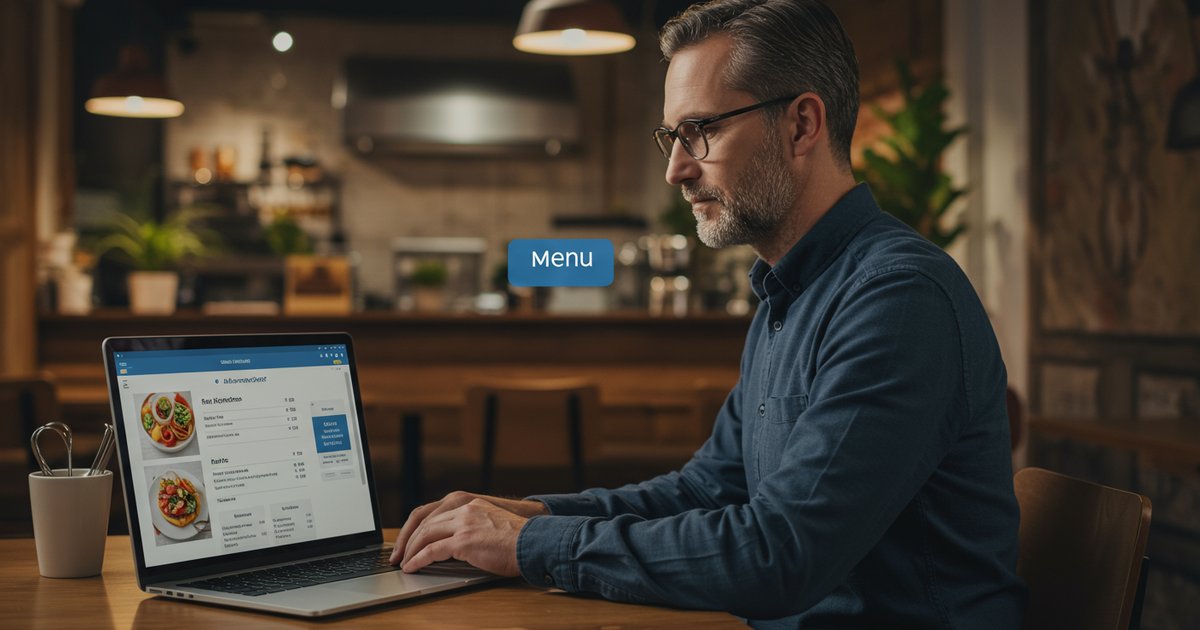
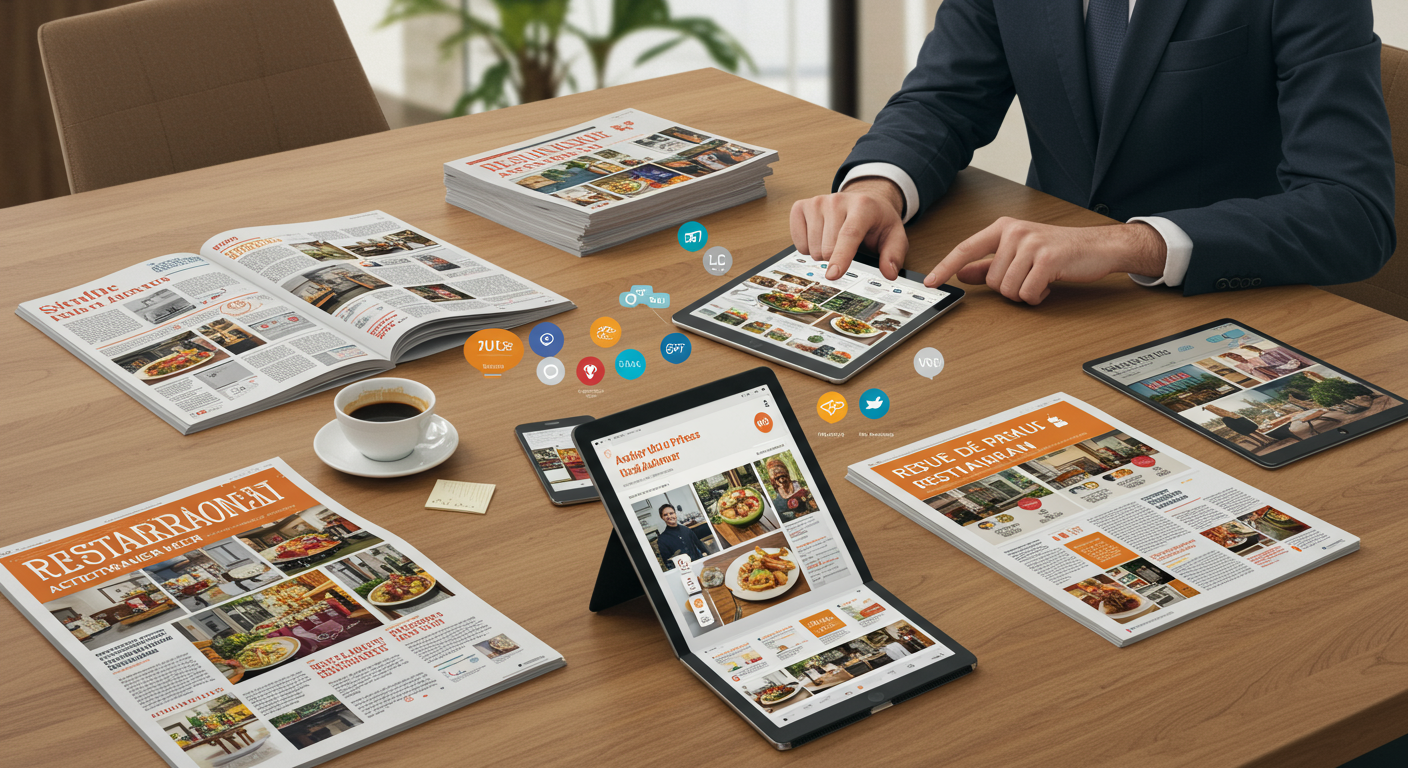
Your printed restaurant menu is expensive, gets stained, and goes out of date. What if it were always up to date, accessible 24/7, and visible on Google? An online restaurant menu turns your paper menu into a professional digital showcase — for free.
Why put your restaurant menu online?
In 2026, 82% of diners check a restaurant's menu online before visiting (Google My Business Study 2025). If your menu isn't accessible on the internet, you're invisible to 8 out of 10 potential customers.
The problem? Traditional solutions are complex, costly, or limited. PDF menus aren't indexed by Google. Custom websites cost thousands of pounds. Booking platforms capture your customers.
The solution: a free online restaurant menu
A true digital menu, hosted on the web, optimised for Google, and instantly accessible. Not a PDF. Not a blurry photo on Facebook. A professional menu your customers find in 3 clicks — and that makes you money.
Free online restaurant menu: no credit card, no commitment
Creating a free online restaurant menu is now possible with ALaCarte.Direct. No credit card required, no commitment, and your menu is live in 5 minutes. You try it, you decide, you keep the free plan as long as you like — or upgrade to Premium when you're ready.
The limits of paper menus (and PDFs)
The paper menu has had its day. Here's why:
Traditional paper menu
- ✗ Printing costs: £200–800 per year depending on size and how often you update
- ✗ Quickly outdated: Prices change, seasonal dishes rotate, items run out... Your menu is obsolete within 2 weeks
- ✗ Invisible online: Customers can't browse your menu before visiting
- ✗ Physical wear and tear: Stains, tears, and a perceived lack of hygiene
PDF menu (a false good idea)
- ✗ Not responsive: Unreadable on smartphones (endless zooming, horizontal scrolling)
- ✗ Requires downloading: Customers have to download a multi-MB file
- ✗ Not indexed by Google: PDF content doesn't appear in search results (unlike a properly SEO-optimised restaurant menu website)
- ✗ No analytics: You have no idea which dishes attract attention
The solution: an online restaurant menu
A modern web menu solves all these problems at once:
- ✓ Always up to date: Change prices and dishes in real time, visible instantly
- ✓ Visible on Google: Your menu appears in local search results
- ✓ Mobile-optimised: Smooth interface on smartphones, tablets, and desktops
- ✓ Zero cost: Full free version, no hidden fees
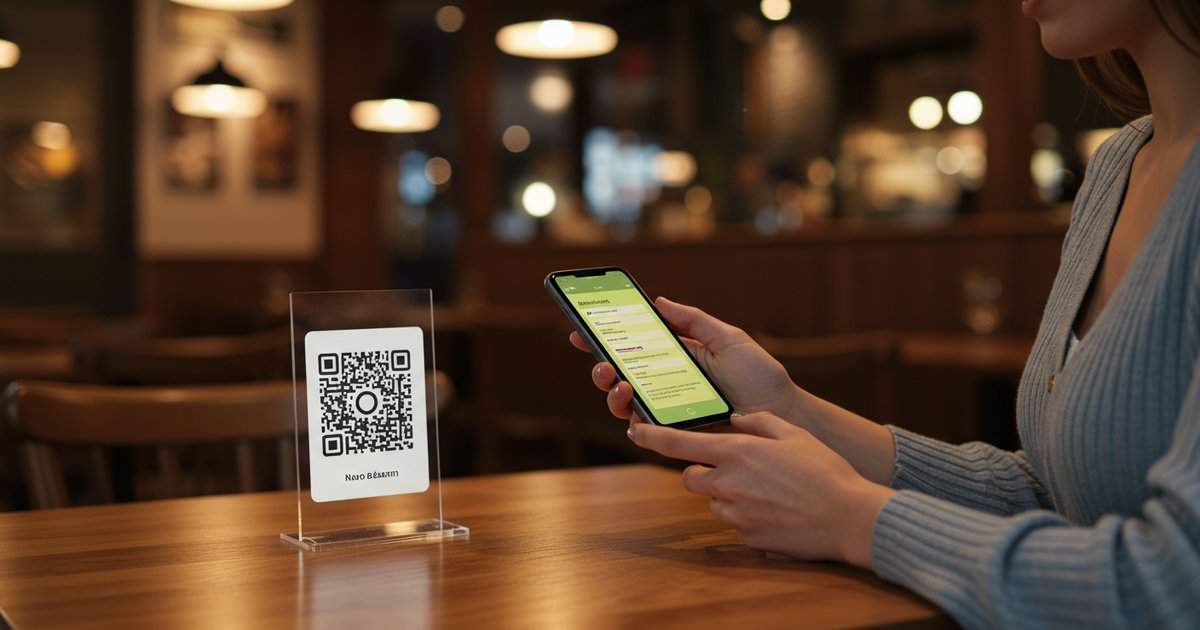
- ✓ Shareable: Unique URL with QR code included
To learn more, check out our complete guide to restaurant digitalisation and discover how to boost your online visibility.
How does an online restaurant menu work?
Technically, your online digital restaurant menu is a web page hosted on the internet, accessible via a unique URL (e.g.: alacarte.direct/restaurant/your-name). Your customers access it:
- Via Google: By searching "menu [your restaurant name]"
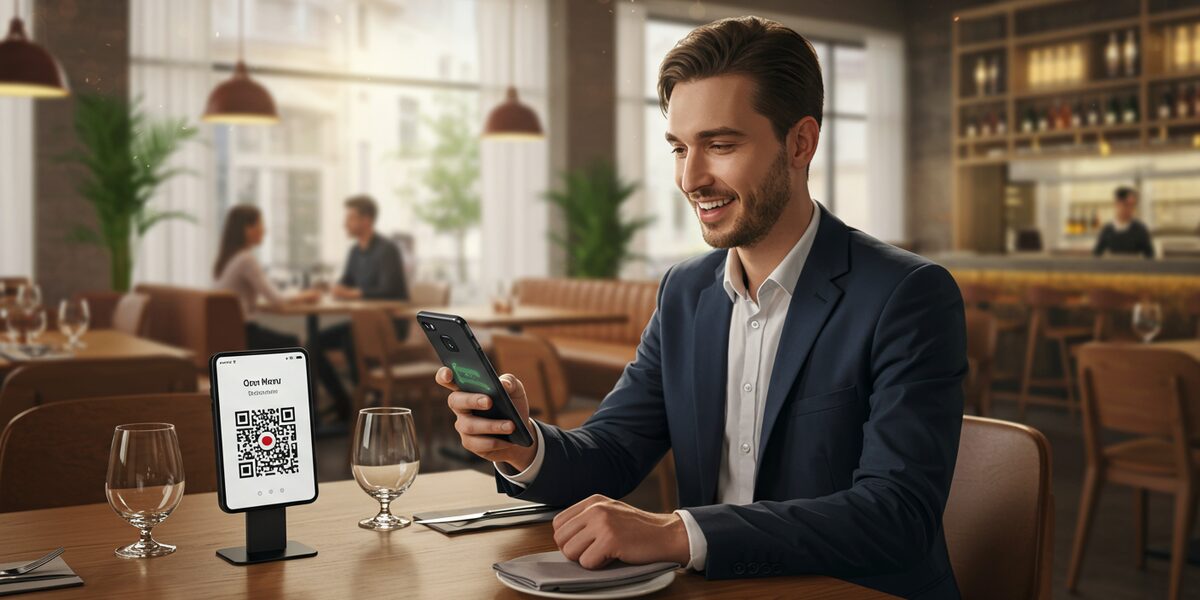
- Via QR Code: They scan the code on your table, window, or flyer
- Via direct link: From your social media, website, or Google My Business
The 3 technical pillars (simplified)
1. Content creation
You add your dishes through an intuitive interface (name, description, price, photo). No coding required.
2. Cloud hosting
Your online digital restaurant menu is securely stored on ALaCarte.Direct's servers. It's available 24/7, even when your restaurant is closed, and accessible from any device (smartphone, tablet, desktop).
3. Omnichannel distribution
Your menu is accessible everywhere: physical QR code, Google My Business integration, social media sharing, iframe embed on your website.
The benefits of ALaCarte.Direct for your online menu
Why do 9,683+ restaurants trust ALaCarte.Direct?
🌍 Visible on Google and search engines
Your menu is indexed by Google. When a customer searches "restaurant menu [your city]" or "menu [your name]", they find you. Result: +37% local visibility (ALaCarte internal study 2025).
📱 Mobile-optimised (90% of your customers)
Perfectly responsive interface on smartphones. High-resolution dish photos, smooth navigation, loading time under 2 seconds. Your customers browse your menu on the go, at the office, or at home.
🔄 Real-time updates
Out of stock? Price change? Daily special? Update it in 30 seconds from your phone. The change is instant — no need to reprint 50 menus.
🌐 Automatic multilingual translation
Your menu translated into 12 languages (English, Spanish, German, Italian, Chinese, Japanese, Arabic, Russian...). Perfect for tourist areas or international neighbourhoods.
🎨 Modern, customisable design
Professional templates, customisable colours, upload your logo. Your online menu reflects your restaurant's identity — not a generic template.
🛠️ All-in-one online restaurant menu software
ALaCarte.Direct isn't just online restaurant menu software: it's a complete solution including QR codes, multilingual translation, analytics, multi-location management, and even online ordering integration. Everything you need, in one tool. Discover all ALaCarte.Direct features.
📊 Detailed analytics
Menu views, most-viewed dishes, viewing times, visitor sources. You understand what attracts your customers — and adjust your menu accordingly.
💳 Ordering and booking integration
Premium version: your customers order directly from the online menu (click & collect, delivery, table booking). Zero commission — unlike third-party platforms.
How to create your online restaurant menu in 5 minutes
With the right online restaurant menu tool, creating your digital menu takes just a few minutes. Here's how with ALaCarte.Direct:
Step 1: Free sign-up (30 seconds)
Go to ALaCarte.Direct → Click "Create my free menu" → Enter your email and choose a password. No credit card required. You're in the dashboard in under a minute.
Step 2: Add your restaurant details (1 minute)
Restaurant name, address, opening hours, short description. This information appears at the top of your online menu and boosts your local Google ranking.
Step 3: Create your categories (30 seconds)
Starters, Mains, Desserts, Drinks, Wines... Organise your menu just like a paper one. You can reorder sections with simple drag and drop.
Step 4: Add your dishes (3 minutes)
For each dish:
- Dish name (e.g.: "Charolais beef tartare")
- Description (e.g.: "250g, hand-cut, homemade chips") — optional but recommended
- Price (e.g.: £18)
- Photo (optional but increases orders by +32%)
- Allergens (gluten, lactose, shellfish...) — automatic detection
Tip: Start with 5–10 signature dishes. You can add the rest later.
Step 5: Share your menu (30 seconds)
Your online menu is automatically generated at alacarte.direct/restaurant/[your-name].
You receive:
- Share URL: To add to your social media, Google My Business, and website
- QR Code (high-resolution PNG): To print on table stands, windows, and flyers
- Embeddable widget: To display the menu directly on your website (iframe)
That's it. Your restaurant menu is live.
Online restaurant menu pricing
ALaCarte.Direct offers 3 plans:
| Plan | Price/month | Key features | Who is it for? |
|---|---|---|---|
| Free | £0 |
• Unlimited digital menu • Custom QR Code • Multilingual (12 languages) • Real-time updates • Email support |
Small restaurants, food trucks, trying out the service |
| Premium | £16 |
• Everything in Free + • Detailed analytics • ALaCarte branding removed • Multi-location • Priority support |
Established restaurants, chains, franchises |
| Pro | £42 |
• Everything in Premium + • Integrated online ordering • Table bookings • Custom API • Dedicated training |
Groups, fast-casual, high-volume venues |
Recommendation: Start with the Free plan (truly free, no credit card). You can upgrade in 1 click whenever you feel the need.
See full details on the pricing page.
What restaurateurs are saying
"We created our online menu in 10 minutes flat. Now customers check our menu on Google before coming in. We've seen a +20% increase in lunchtime covers."
"The free version is more than enough for our food truck. We update the daily specials every morning from our phone. Customers scan the QR Code and that's it — no more queues just to read the menu."
"What sold me: no credit card to try it out. I gave it a go, loved it, and went Premium 3 weeks later. Best £16/month I've ever spent."
Real-world use cases
Case #1: Traditional restaurant with no website
Problem: Customers ring up to ask "what do you serve?" — your team wastes time on the phone.
Solution: Online menu shared on Google My Business. Customers check the menu before calling. -60% "menu enquiry" calls within 2 weeks.
Case #2: Brasserie with a seasonal menu
Problem: Menu changes every 6 weeks. Printing cost: £400/year.
Solution: Digital menu updated in real time. Savings: £400/year + time saved. Immediate ROI.
Case #3: Restaurant in a tourist area
Problem: 70% international clientele. Menus translated into 4 languages = 4x printing costs.
Solution: Automatic multilingual menu (12 languages). Customers choose their language. Printing costs cut by 75%.
Case #4: Pizzeria with delivery
Problem: Uber Eats takes 30% commission. A custom ordering site costs £3,000+.
Solution: ALaCarte Pro online menu with integrated ordering. 0% commission. Pays for itself within 2 months.
FAQ: Frequently Asked Questions
Is it really free? No hidden credit card charges?
Yes, 100% free. You create your account with just an email. No credit card required. The Free plan stays free forever — you're never forced to upgrade to Premium.
How many dishes can I add on the free version?
Unlimited. Add as many dishes, categories, and photos as you like. No artificial limits to pressure you into paying.
Will my menu be visible on Google?
Yes, automatically. Your menu is indexed by Google within a few days. Optimise your Google My Business listing by adding the link to your ALaCarte menu for even more visibility.
Can I upgrade to Premium later?
Yes, in 1 click from your dashboard. Your menu and data are preserved. You simply unlock Premium features (analytics, multi-location, branding removal).
How do my customers access the menu?
3 ways: (1) They scan the QR Code on your table or window with their smartphone. (2) They click the link in your Instagram/Facebook bio or Google listing. (3) They search "menu [your restaurant name]" on Google and find it directly.
Do I need a website to use ALaCarte?
No. Your ALaCarte menu IS your website. You get a clean URL (alacarte.direct/restaurant/your-name) to share everywhere. If you already have a website, you can embed the menu via an iframe widget.
How long does it take to create my menu?
5 to 15 minutes depending on the size of your menu. To speed things up: prepare your dishes in a text file (name, description, price) before you start. You can then copy and paste quickly.
Is the menu mobile-friendly?
Yes, 100% responsive. Smooth interface on smartphones, tablets, and desktops. 90% of your customers will view the menu on mobile — that's why we optimise for smartphones first.
Ready to take your restaurant digital?
You now have everything you need to create your free online restaurant menu. Let's recap:
- ✓ Free: No credit card, no commitment, no hidden fees
- ✓ Fast: 5 minutes to create your complete menu
- ✓ Visible: Indexed by Google, shareable everywhere
- ✓ Modern: Professional design, mobile-optimised
- ✓ Scalable: Upgrade to Premium when you're ready
Over 9,683 restaurants have already made the switch. Your turn.
No credit card required • Menu online in 5 minutes • 7-day support